Quick access to your working day, with Calendar, attendance, site status, reports and account tools in one place
The current Ontouch app is built around your Calendar.
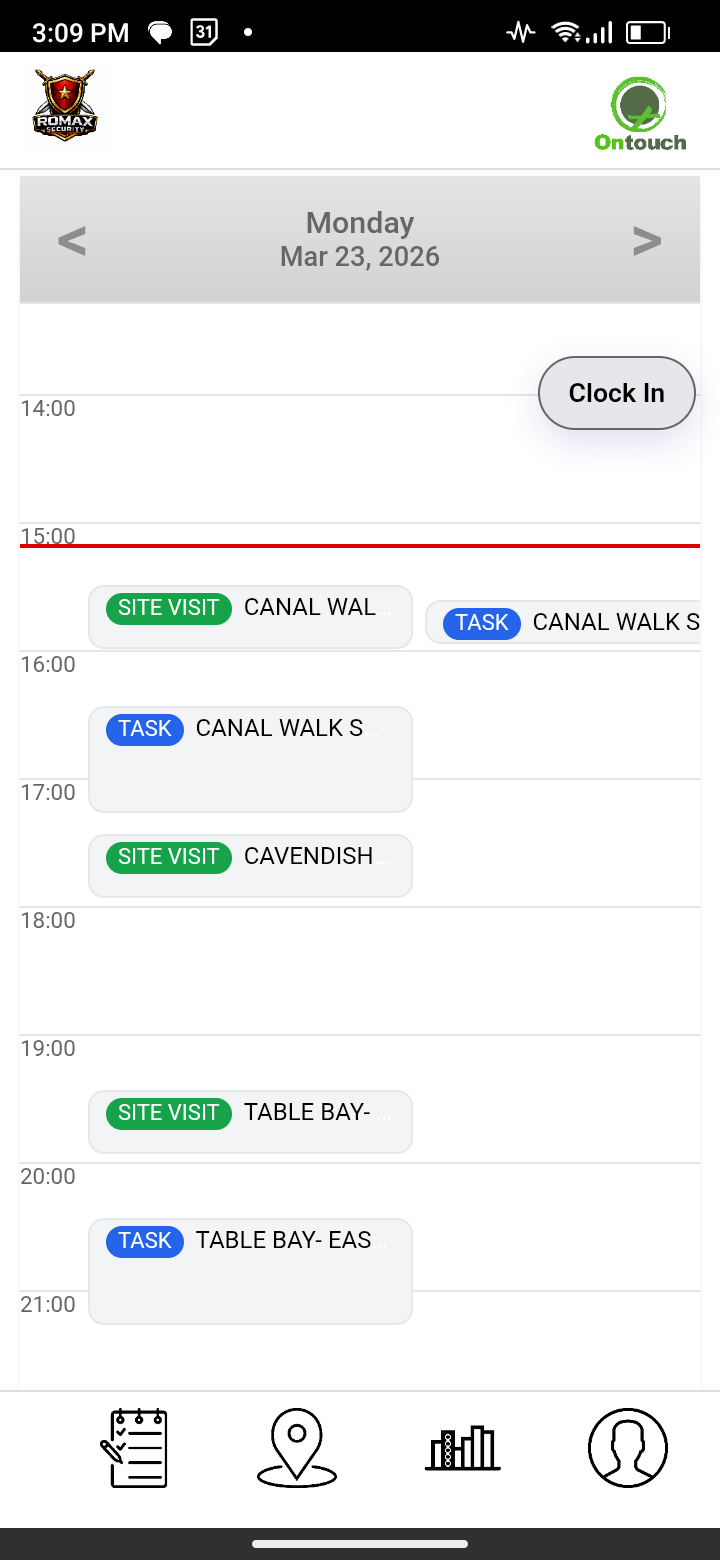
Ontouch opens on your Calendar, giving you a clear daily view of scheduled work and activities.
Use the main navigation to move between Calendar, Site, Reports and Profile, with Messages also available when enabled for your company.
Clock In / Attendance is built into the app, while your onsite status is carried through so site-linked work can confirm that you are at the correct site before it starts.
Scheduled items can open directly into supported Ontouch modules, including Tasks, Site Visits, Asset work orders, Room Servicing, Facility Services and Incidents.
Sync and offline indicators help you see when the app is working with current information or saved data while connectivity is limited.
Calendar
❮
❯
The Calendar uses a daily time view, placing activities against their scheduled times so you can see how the day is planned.
Activities can show a clear status such as Not started, Assigned, In progress or Completed, depending on the type of work.
Tap a supported activity to view its details and open the module needed to complete the work. Site-linked activities can also check that you are onsite at the correct site before opening.
Your clock-in status is visible from the Calendar, and the Site area gives you access to the onsite modules your company has enabled.
Reports remain available from the main navigation so you can review activity captured through Ontouch.
LIMITED OFFLINE
Calendar and supported cached modules remain available offline. Online-only modules stay unavailable until reconnect, while supported queued work retries automatically.
Operations dashboards on our website
Activity captured through the app is available to authorised users on the Ontouch website for operational oversight and reporting.
The website brings information from the different modules together, with date filtering and links to more detailed reports.
Module-specific views help managers review activity, outstanding items and exceptions from one place.
The app and website work together to provide a clear record of activity across your operation.
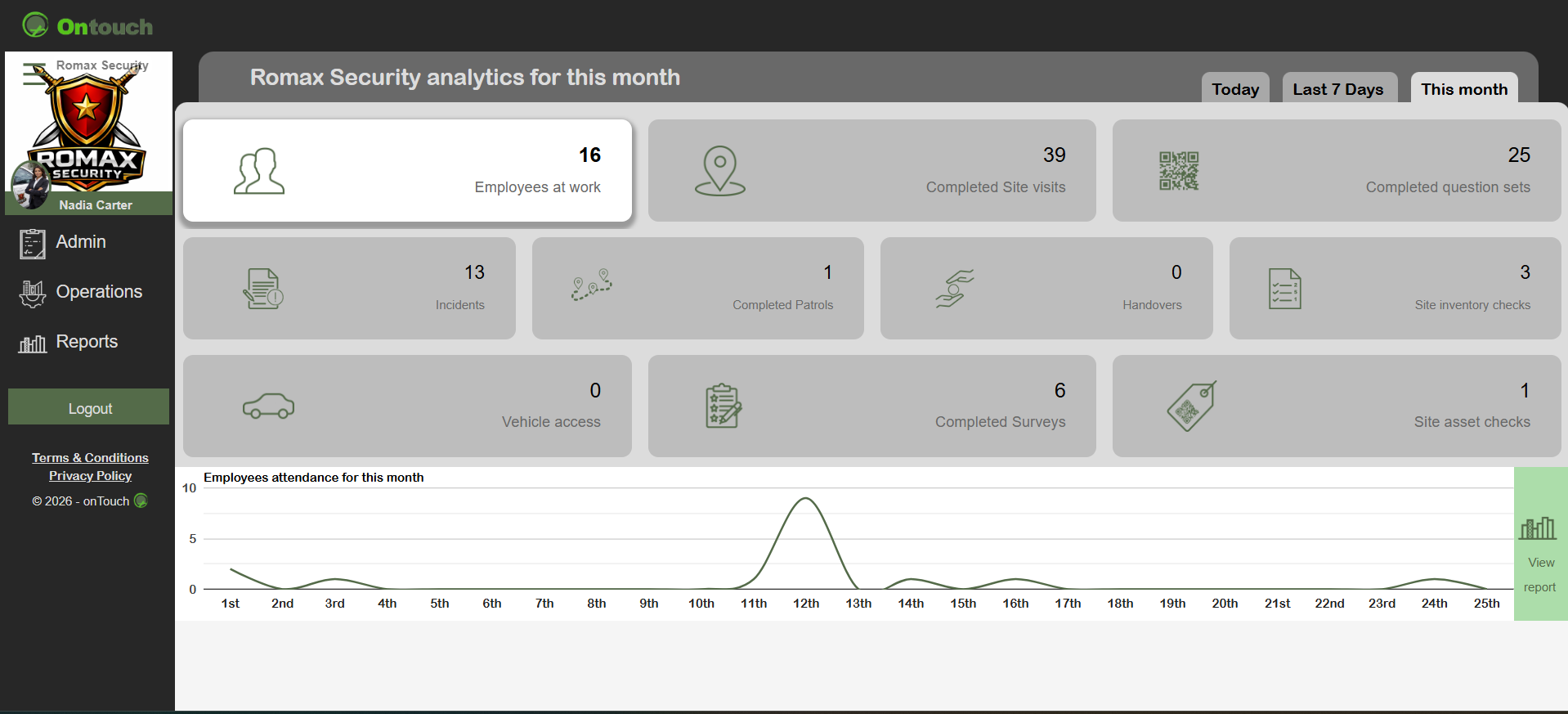
Operations overview
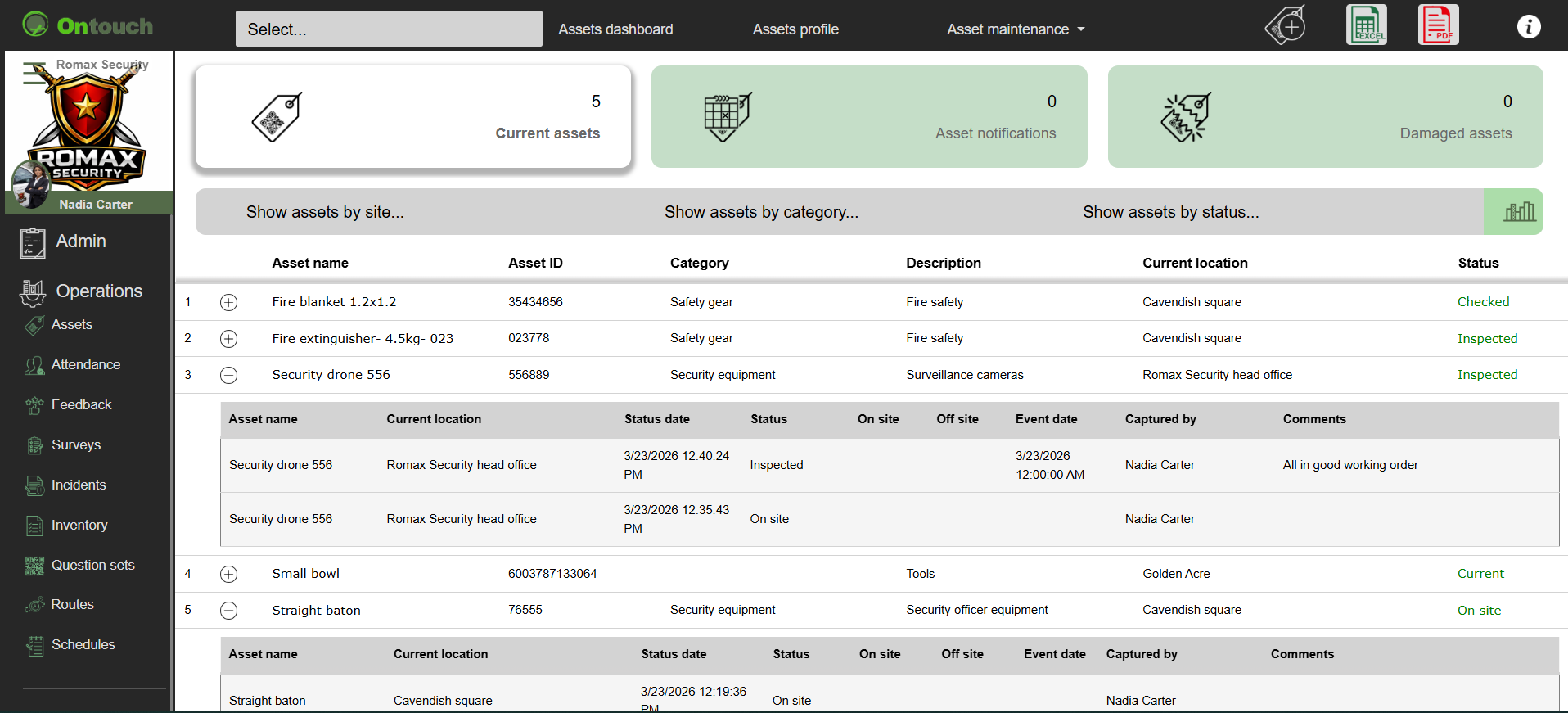
Assets
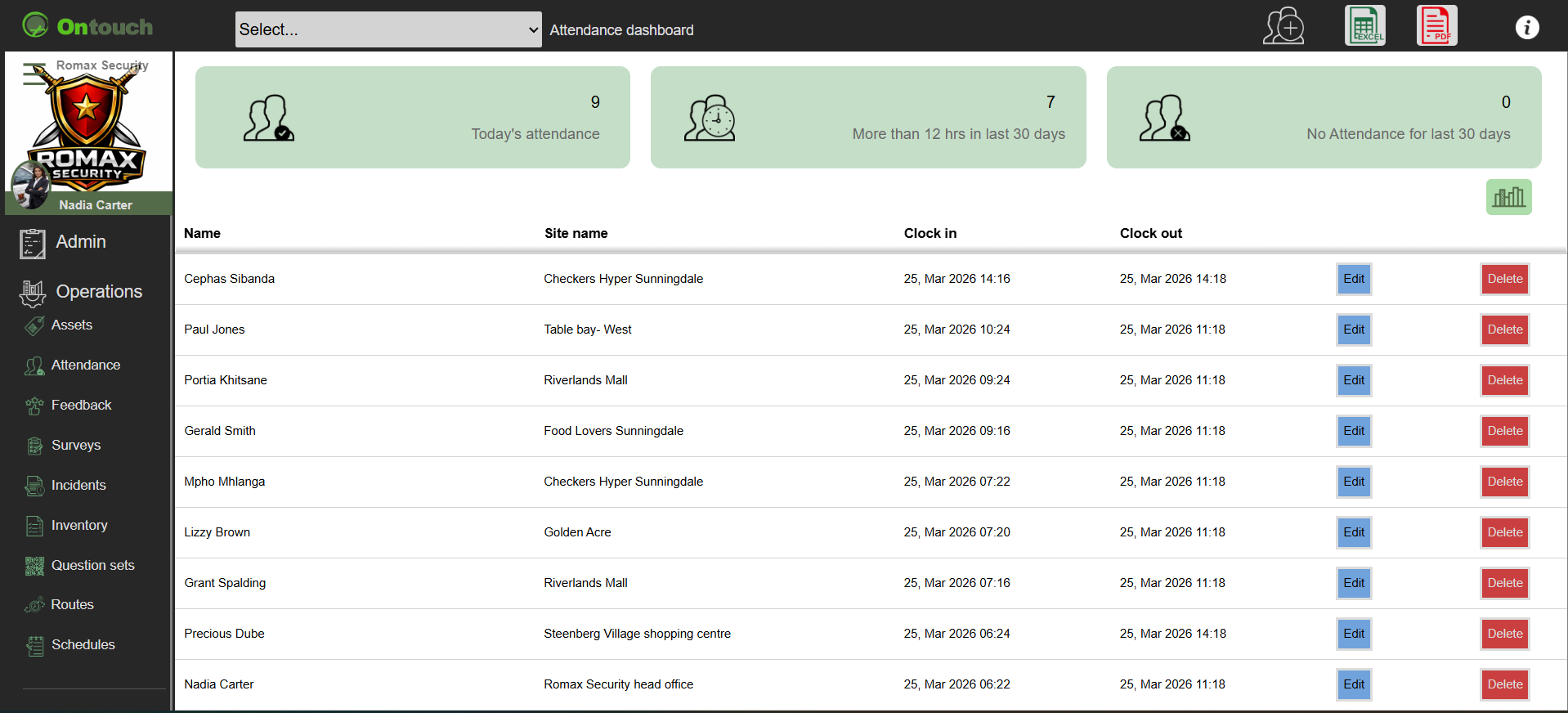
Attendance
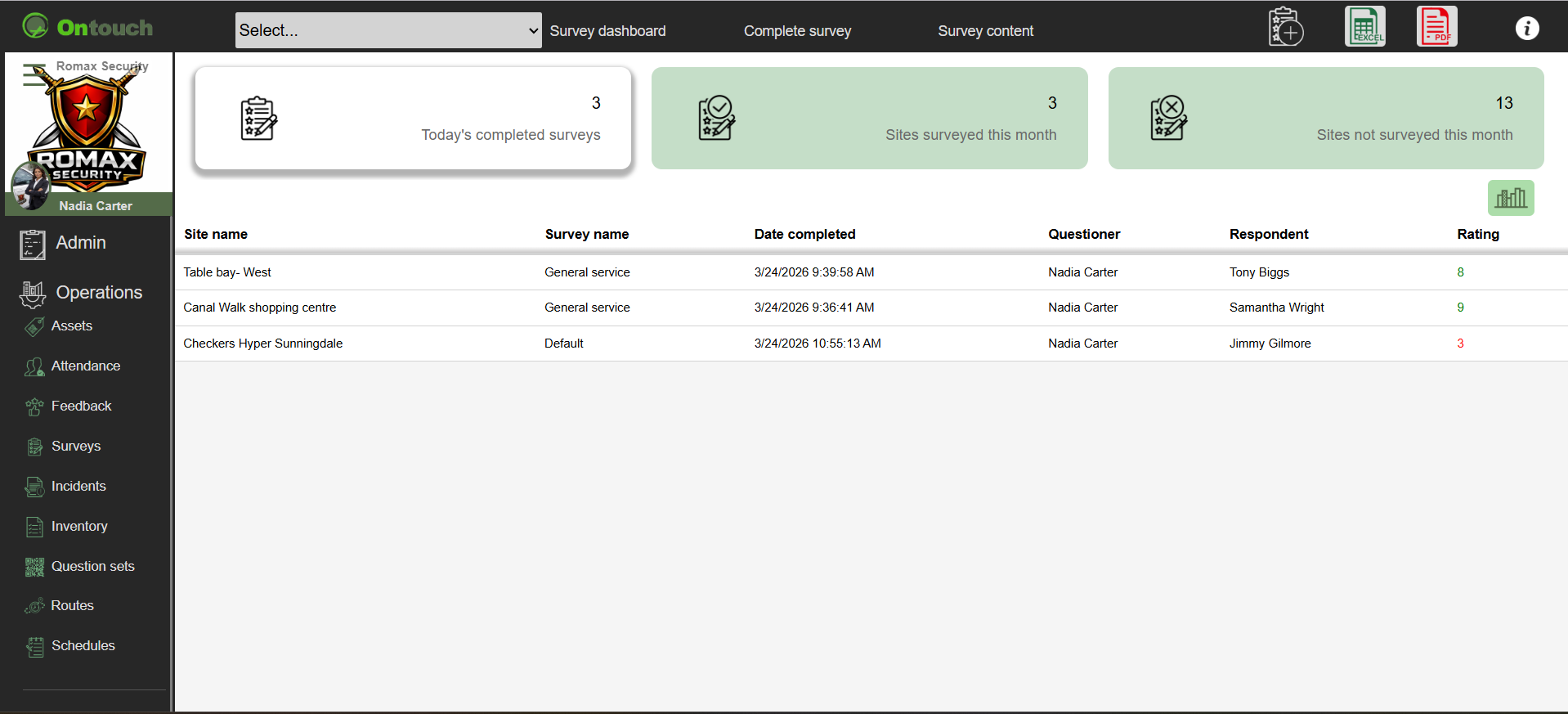
Surveys
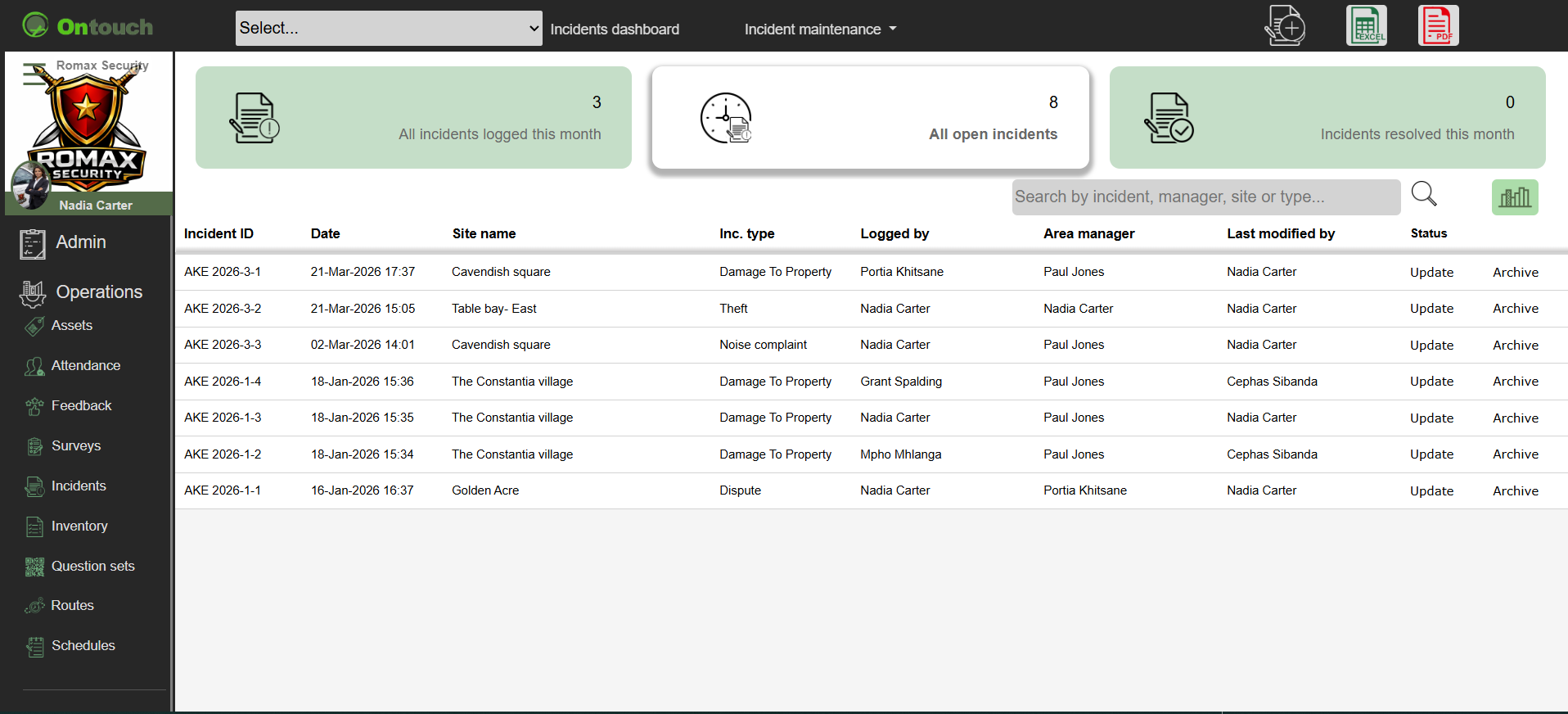
Incidents
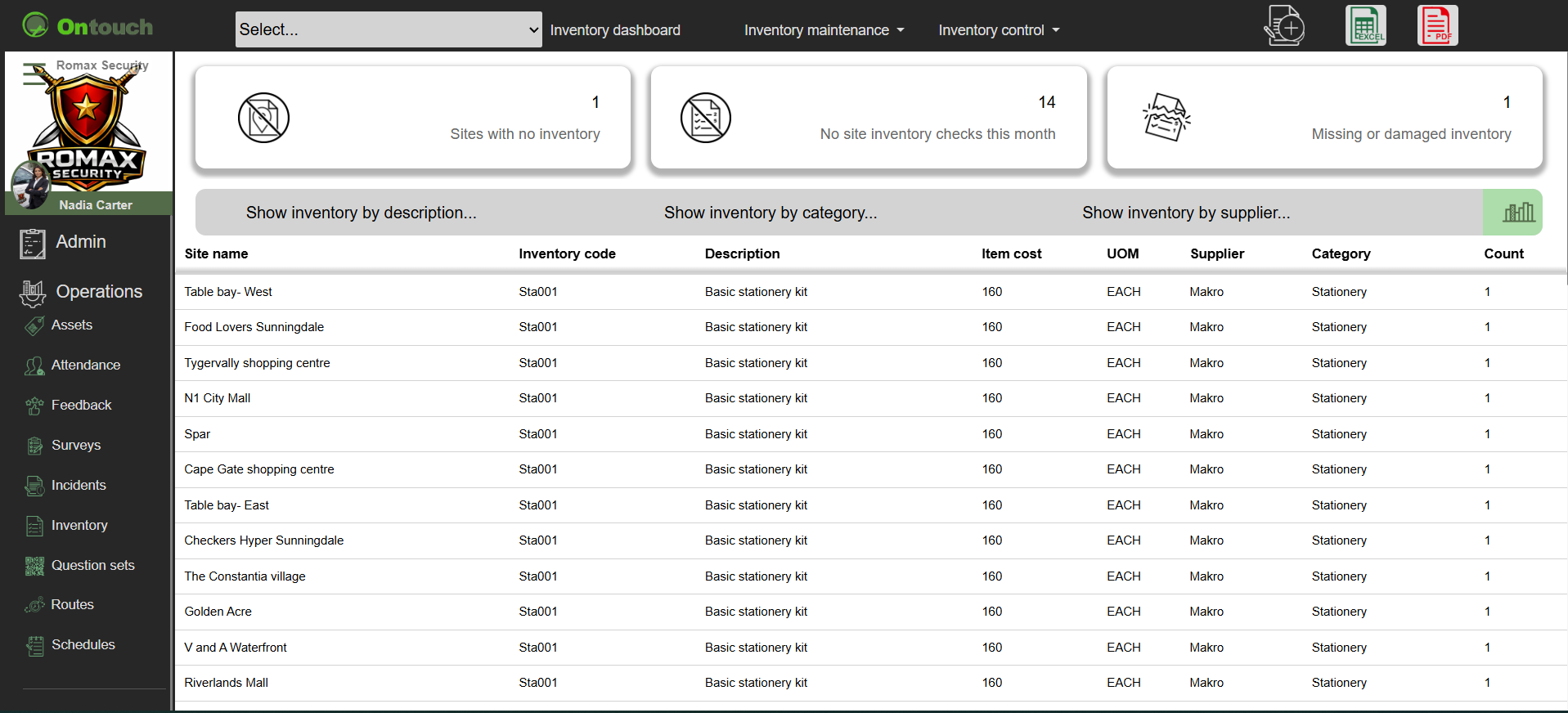
Inventory
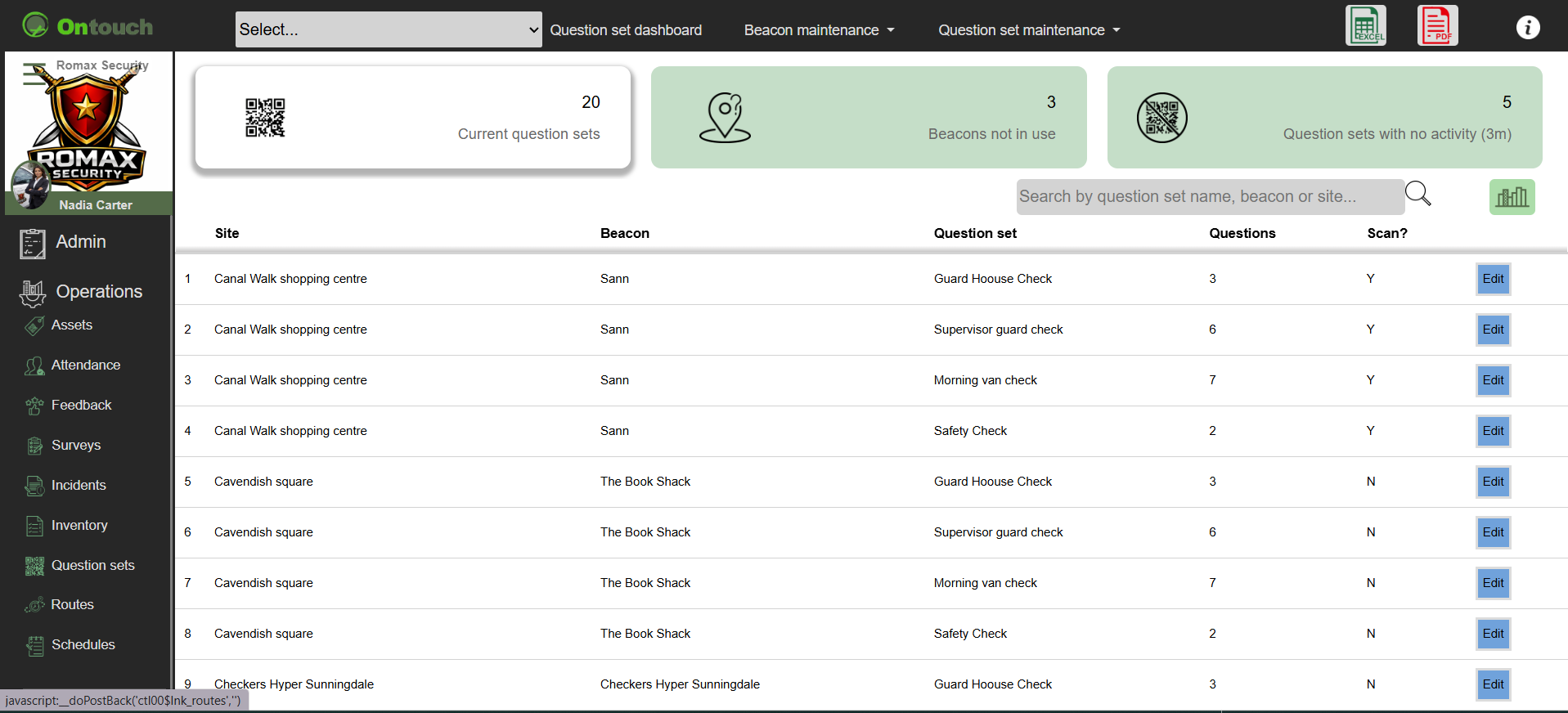
Questions
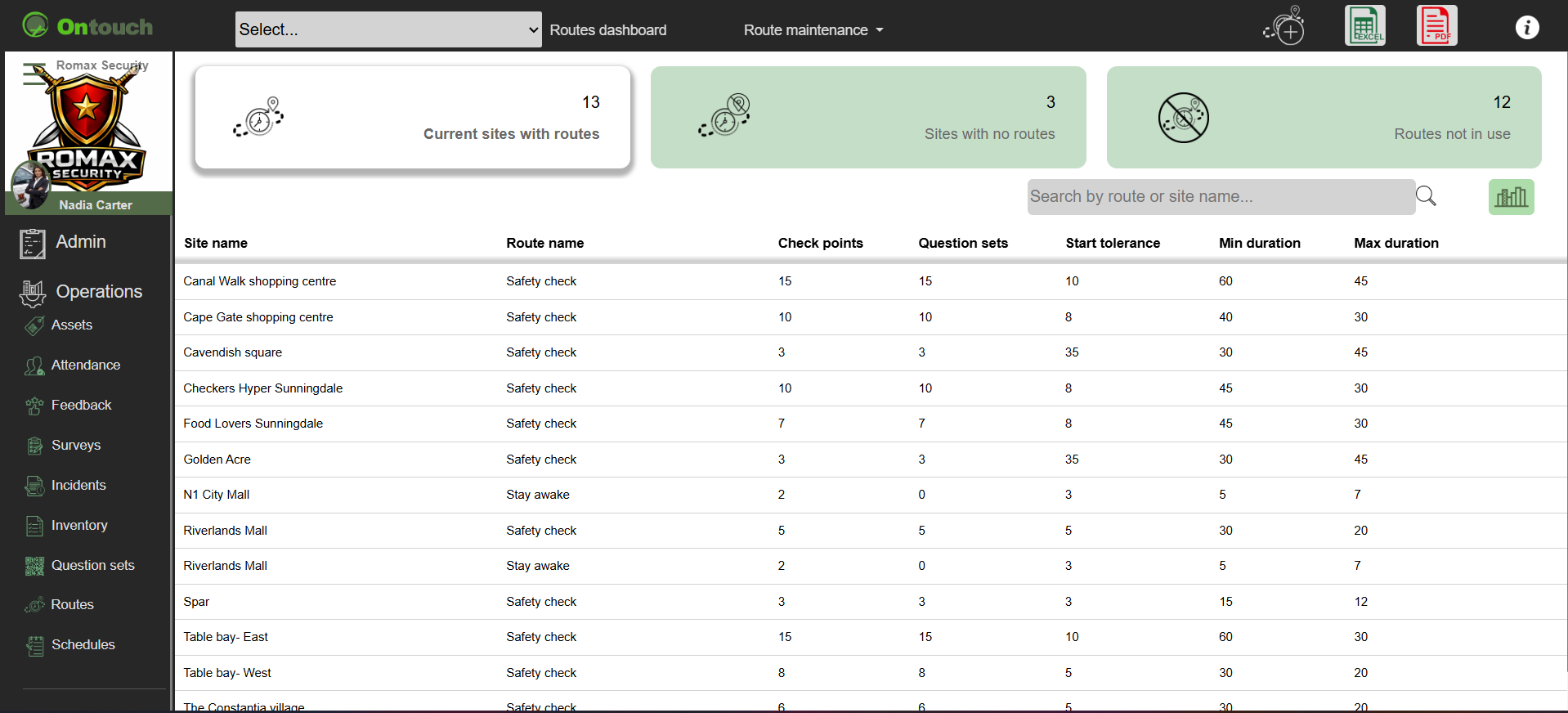
Routes
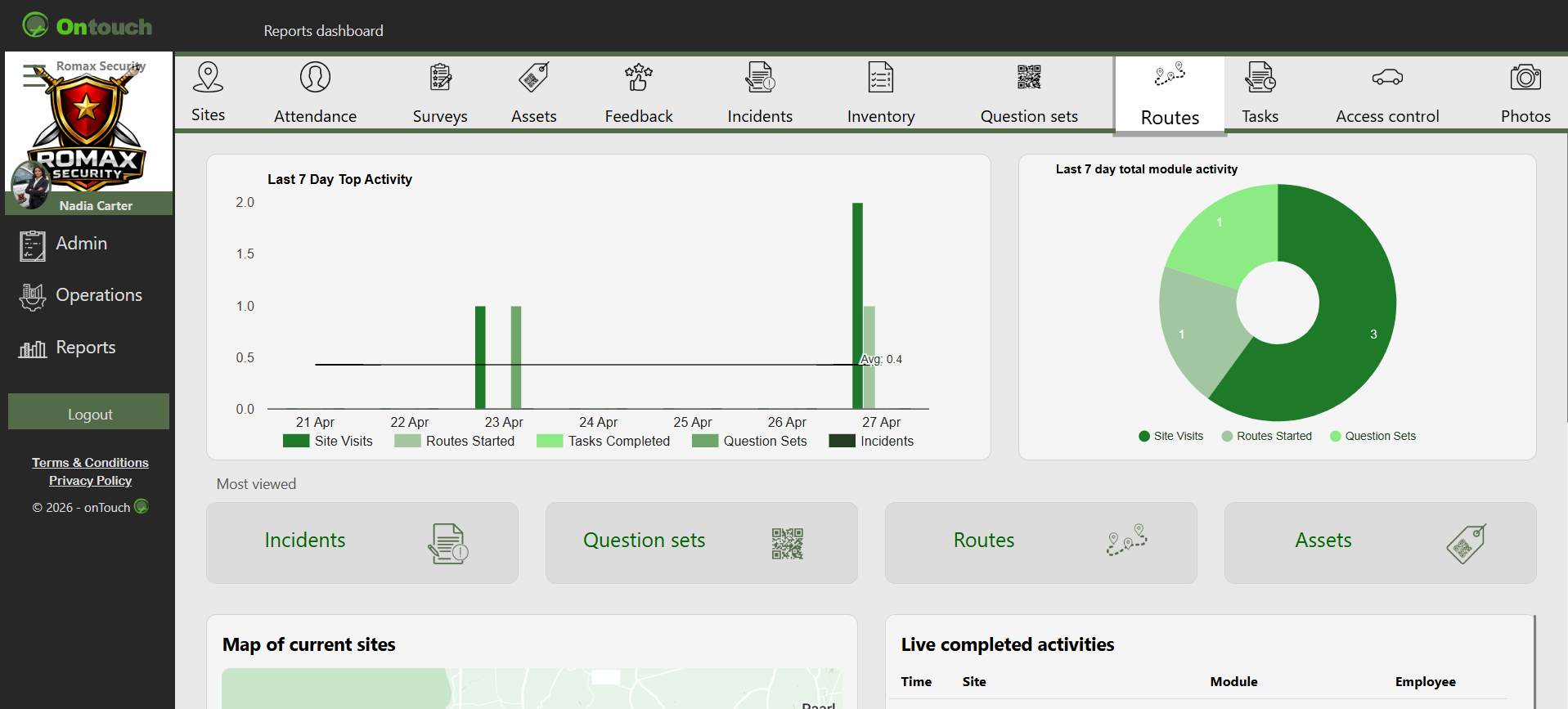
Reports
❮
❯
* Calendar home view * Clock In / Attendance * Onsite status * Site modules * Scheduled work * Reports * Profile * Messages where enabled * Sync and offline support
Images are for demonstration purposes only.
©