☰

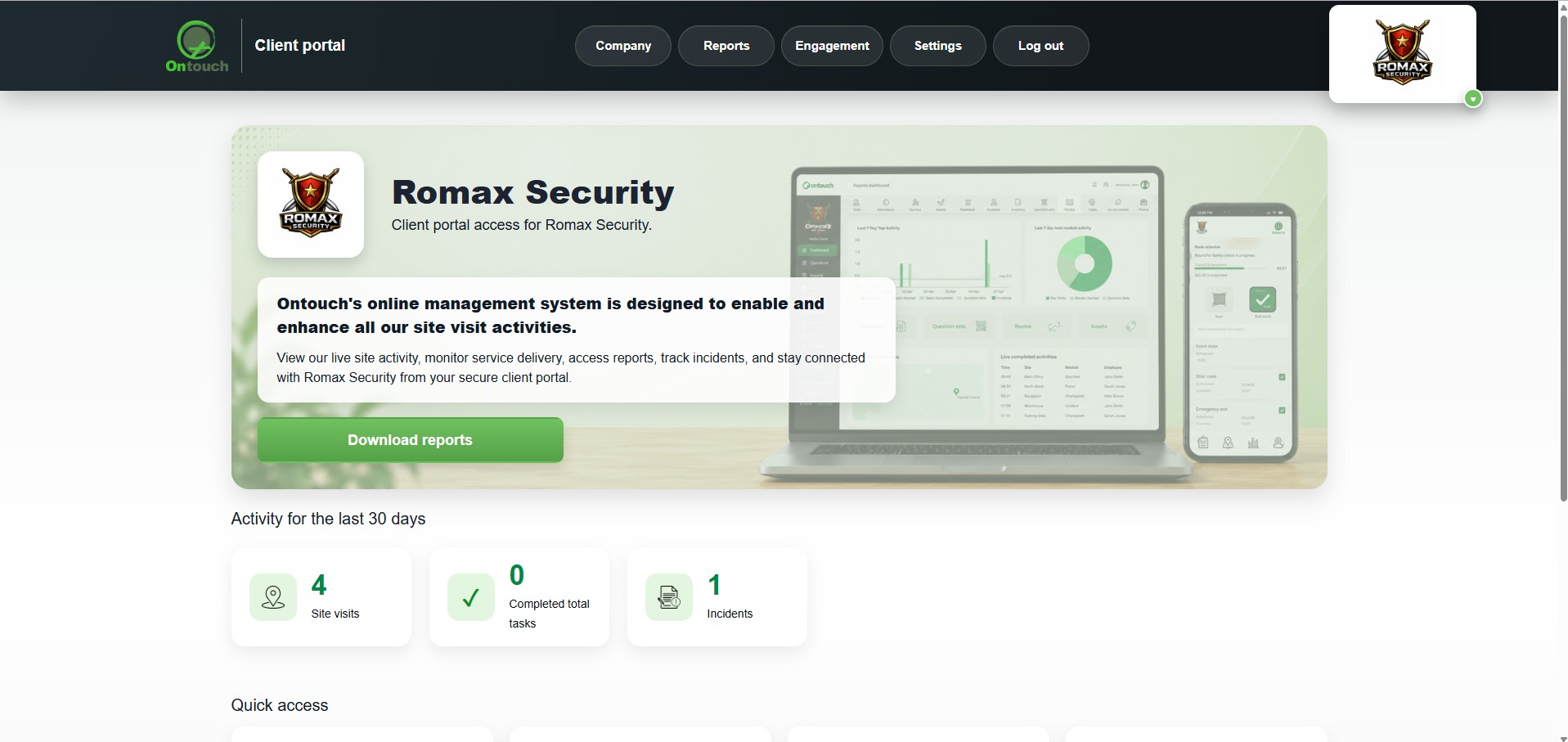
Ontouch clients use the Ontouch website to manage their operations, teams, sites, tasks, reports, permissions and client portal settings. Their clients use the Client Portal as a simple, secure place to stay informed, give feedback and interact with selected service tools.
The portal helps create a more professional client experience by bringing service activity, communication, feedback, surveys, question sets and selected operational records into one easy-to-use space.
 clients
Reduce admin, improve communication and give your clients a professional portal experience without making your team manually send every update.
Clients using the Client Portal can access a simple online space instead of relying only on emails, phone calls or manually prepared updates.
The Client Portal brings together useful service tools in a clean, easy-to-use web experience. Ontouch clients manage the portal from the Ontouch website and decide which features are available to each client.

Give portal users a simple landing page with quick access to the areas made available to them.

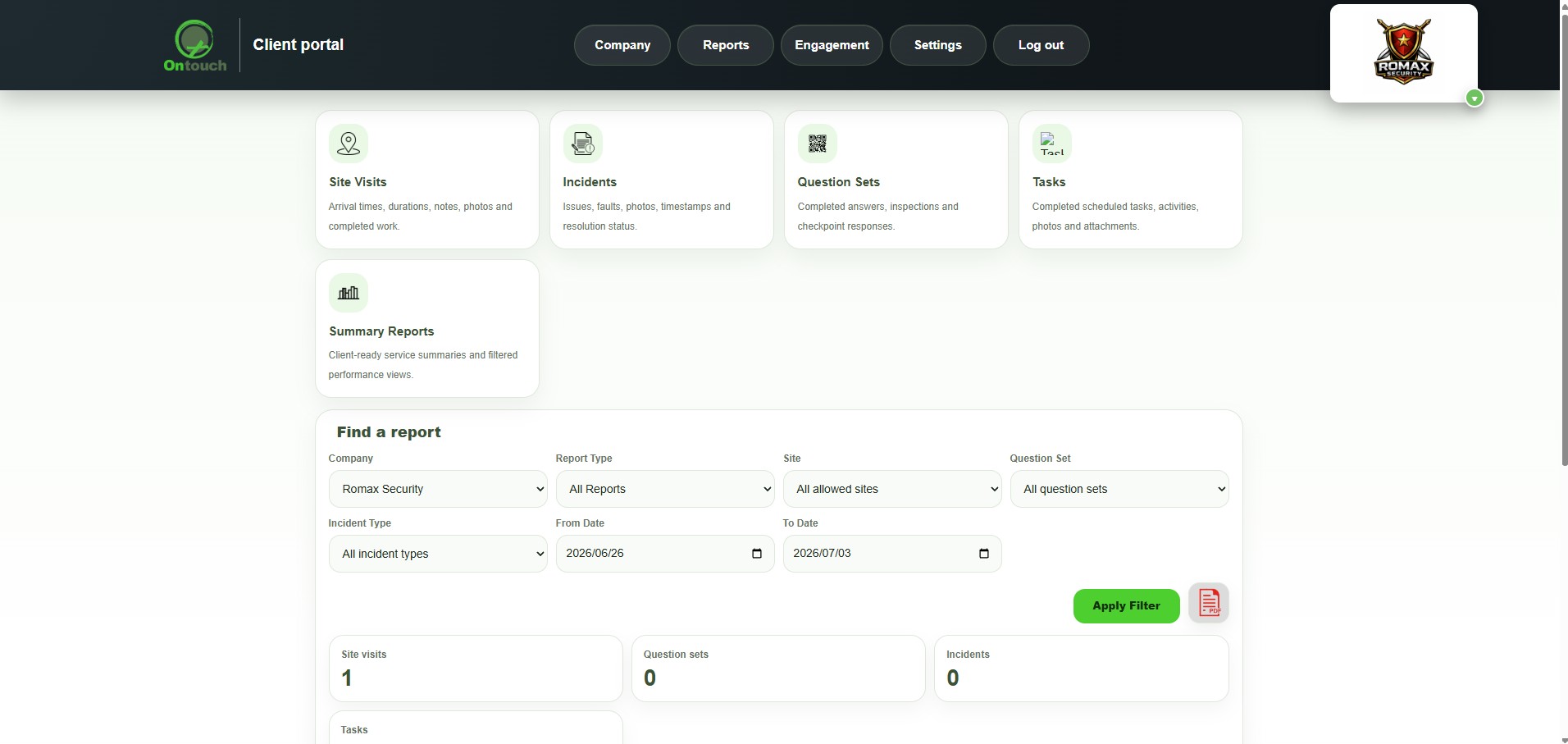
Give clients access to selected reports and service records when these have been made available to them.

Share selected site visit activity, visit details and supporting service information.

Keep incident information, supporting photos and status updates organised in one place.

Share completed checklists, audits, inspections and custom question set results.

Share selected route activity and patrol-style service records where enabled.

Keep visual proof organised and linked to the correct site, activity or service record.

Ontouch clients can create surveys for their clients to complete directly through the Client Portal.
Where enabled, portal users can create question sets for the Ontouch client's team to answer when on site.
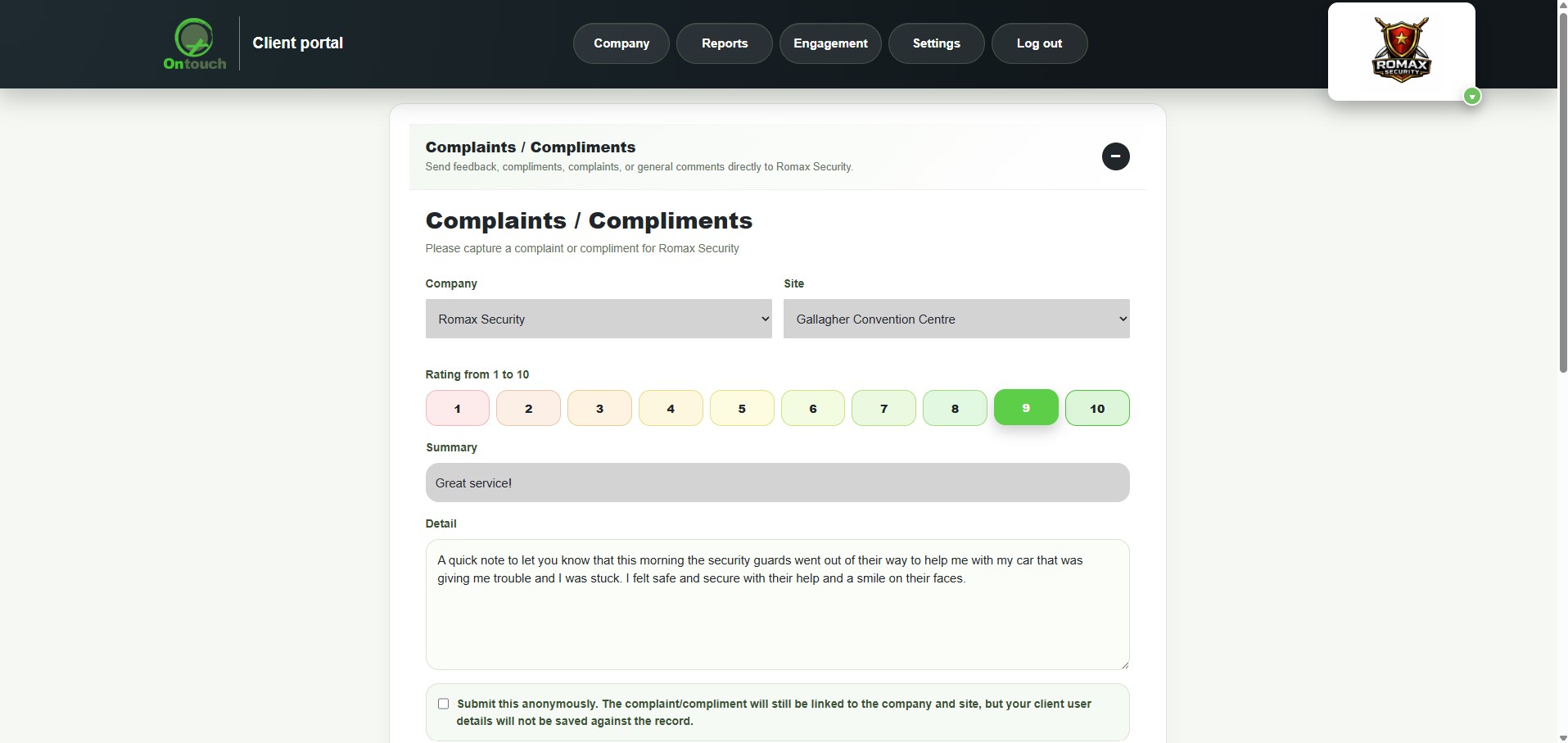
Portal users can give feedback directly through the Client Portal, helping improve service communication.

Give approved portal users access to the areas and tools that are relevant to them.
Ontouch clients control which portal features, records and tools are available to each client.
Portal dashboard overview
Service activity and records
Feedback, surveys and question sets
Ontouch clients manage the work through the Ontouch website. Their clients use the Client Portal to stay connected, interact with selected tools and access the service information made available to them.
Site visits, incidents, question sets, tasks, photos, routes, surveys and records are managed through the Ontouch website.
Ontouch clients decide which portal tools, sites, records and service areas are available to each client.
Portal users can log in, stay informed, give feedback, complete surveys and use enabled portal tools.
The Client Portal can help Ontouch clients collect structured input from their own clients through question sets, feedback and surveys.
Where enabled, portal users can create question sets that the Ontouch client's team can answer when on site.
Portal users can give feedback directly to the Ontouch client, helping improve service communication.
Ontouch clients can create surveys that their clients complete directly through the Client Portal.
The Ontouch Client Portal helps Ontouch clients deliver a more professional and connected service experience. It reduces admin, improves communication and gives clients a secure place to interact through feedback, surveys, question sets and selected service information.
©