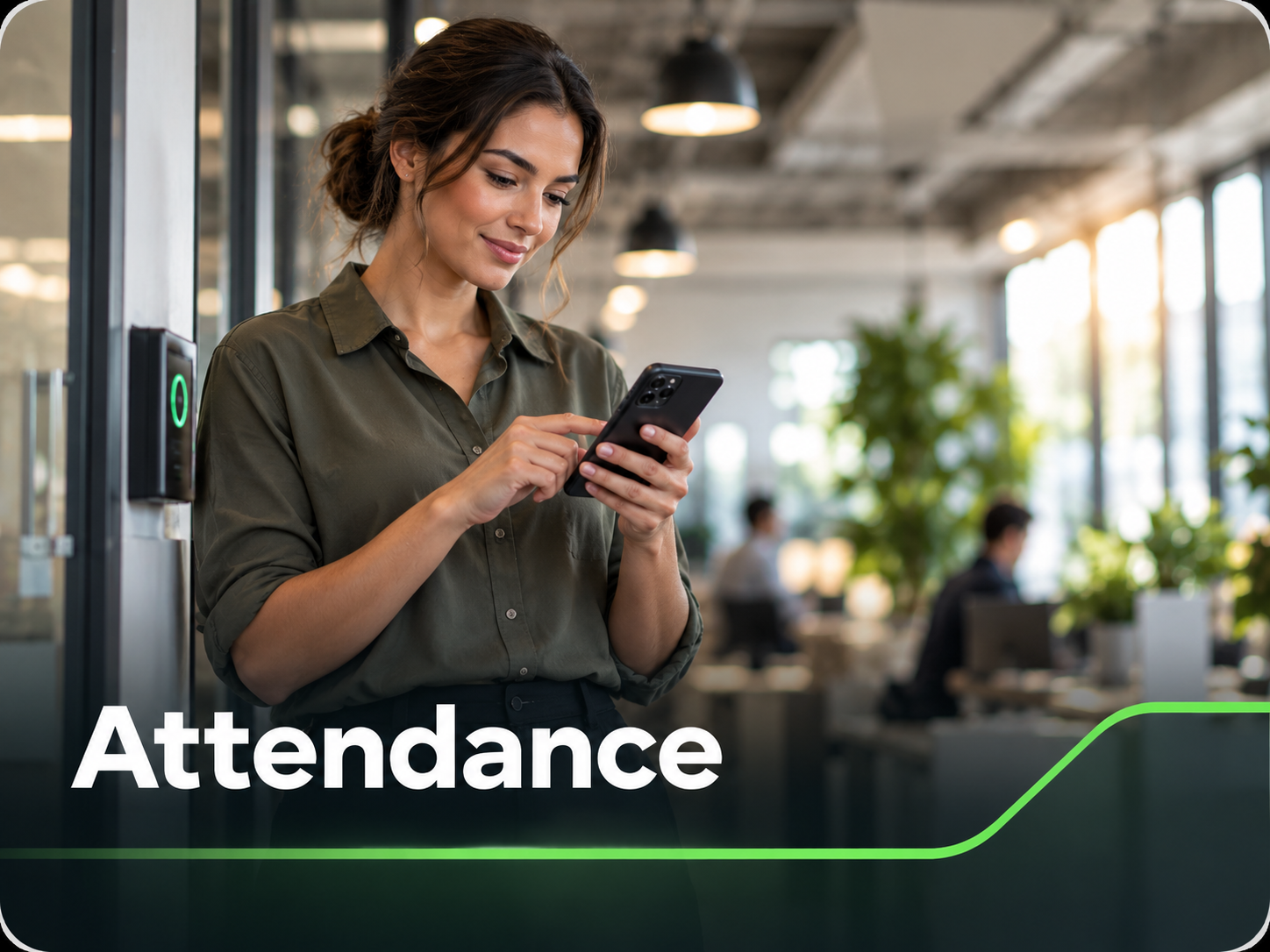
Track employee clock-ins, clock-outs, live attendance status, working hours, and electronic timesheets in one place.
Attendance gives employees a simple way to clock in and out while giving management a reliable record of who is working, where they started work and how long they have been clocked in.
At the start of the day or shift, the employee clocks in from the Ontouch app and confirms the site they are working at. Their active session remains visible in the app, including their current worked time and expected daily working-hour target.
The employee can continue using Ontouch normally while the attendance session runs. When work is finished they clock out, and the recorded time becomes part of their attendance history, electronic timesheets and management reports.
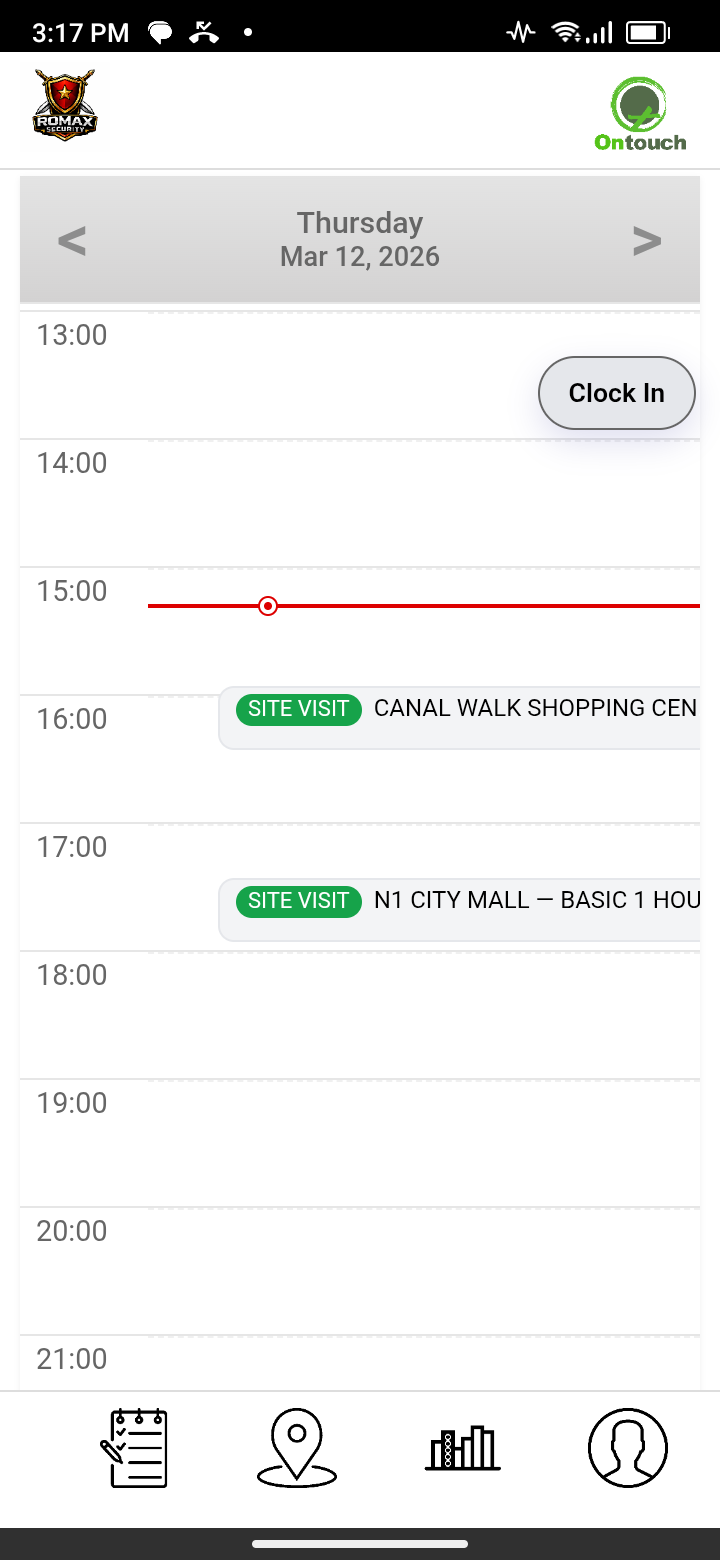
Easy clock in from home page
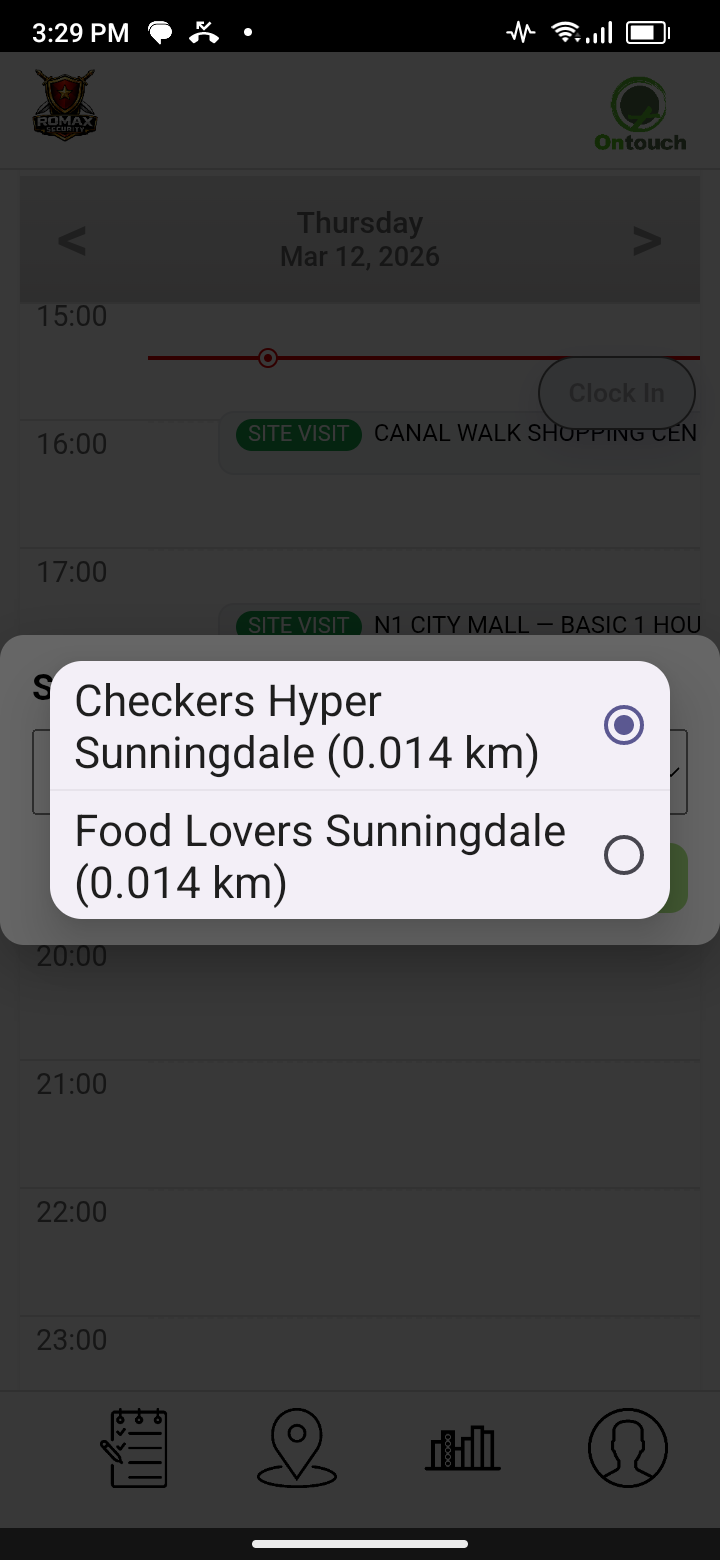
Can auto clock in at a site
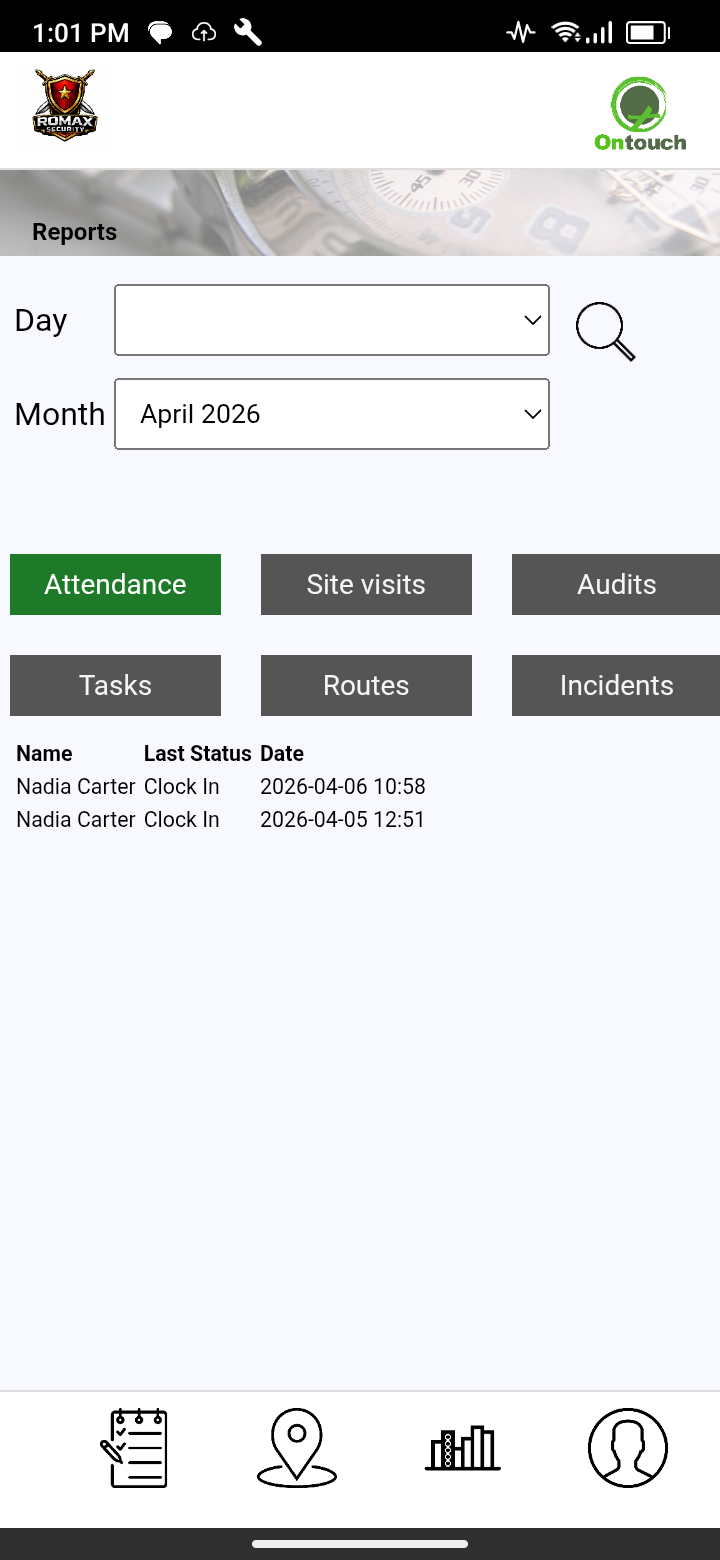
Detailed reports of your attendance
❮
❯
Employees can review their own attendance from the Reports section in the app, including total clocked-in time and the site, clock-in, clock-out and worked-time details for each attendance record.
Management can see attendance across the workforce, including who has clocked in, the site linked to each record, worked hours and open attendance sessions. Reporting can be viewed by selected periods and used to identify records that need attention.
OFFLINE READY
Clock in/out can continue offline when the required site data has already been synced. Attendance actions are saved on the device and post automatically when Ontouch reconnects.
 PDF
PDF
Attendance management on our website
Attendance can be configured around your working rules. Set company defaults or site-specific working hours, normal working days and expected daily hours, then apply them to the appropriate employees.
Additional attendance controls help manage late arrivals, missing clock-ins or clock-outs, early departures, overtime and long open sessions. Detailed reports bring together clocked hours, employee and site activity, trends and individual attendance records, with PDF and Excel export options.
From daily clock-ins to detailed workforce reporting, Ontouch keeps attendance information organised in one connected record.
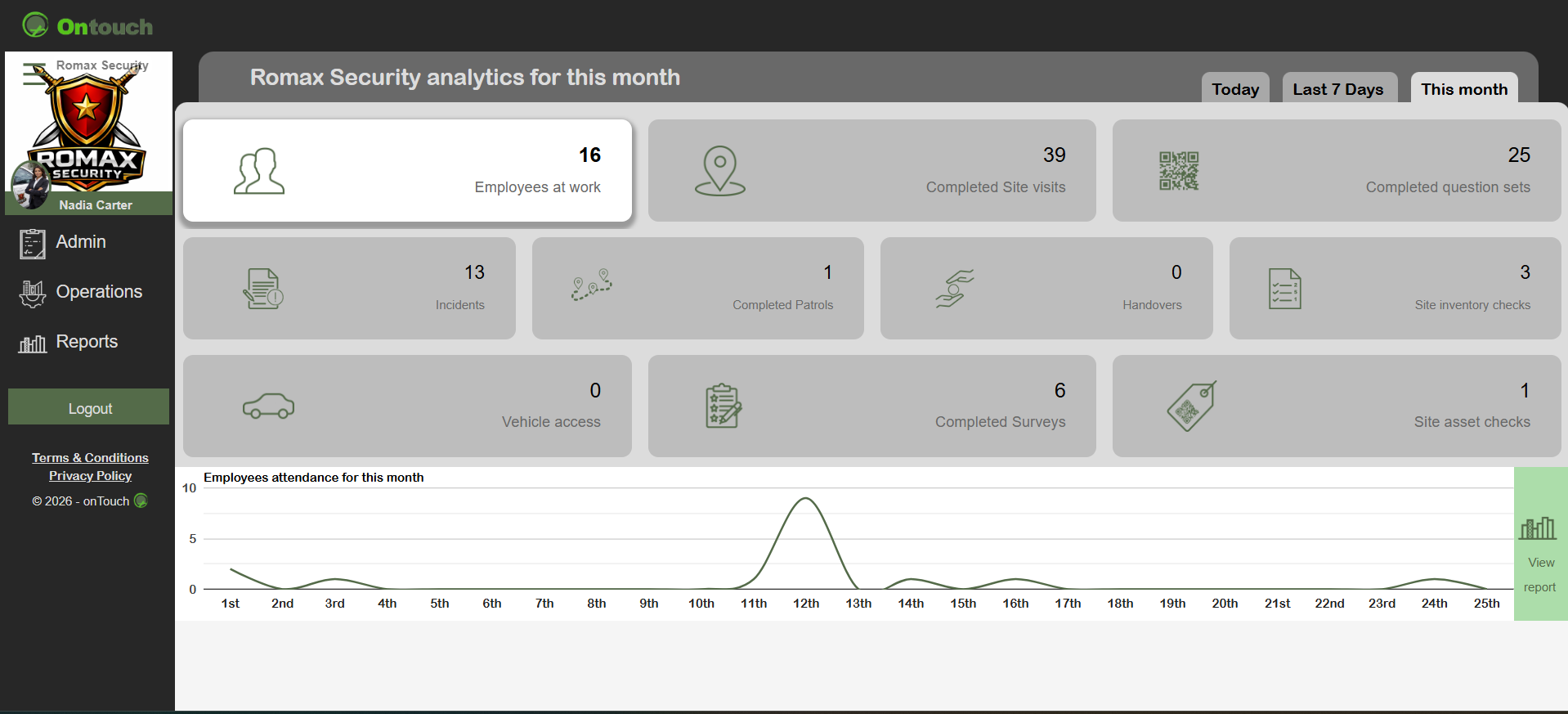
Live updates on all activities
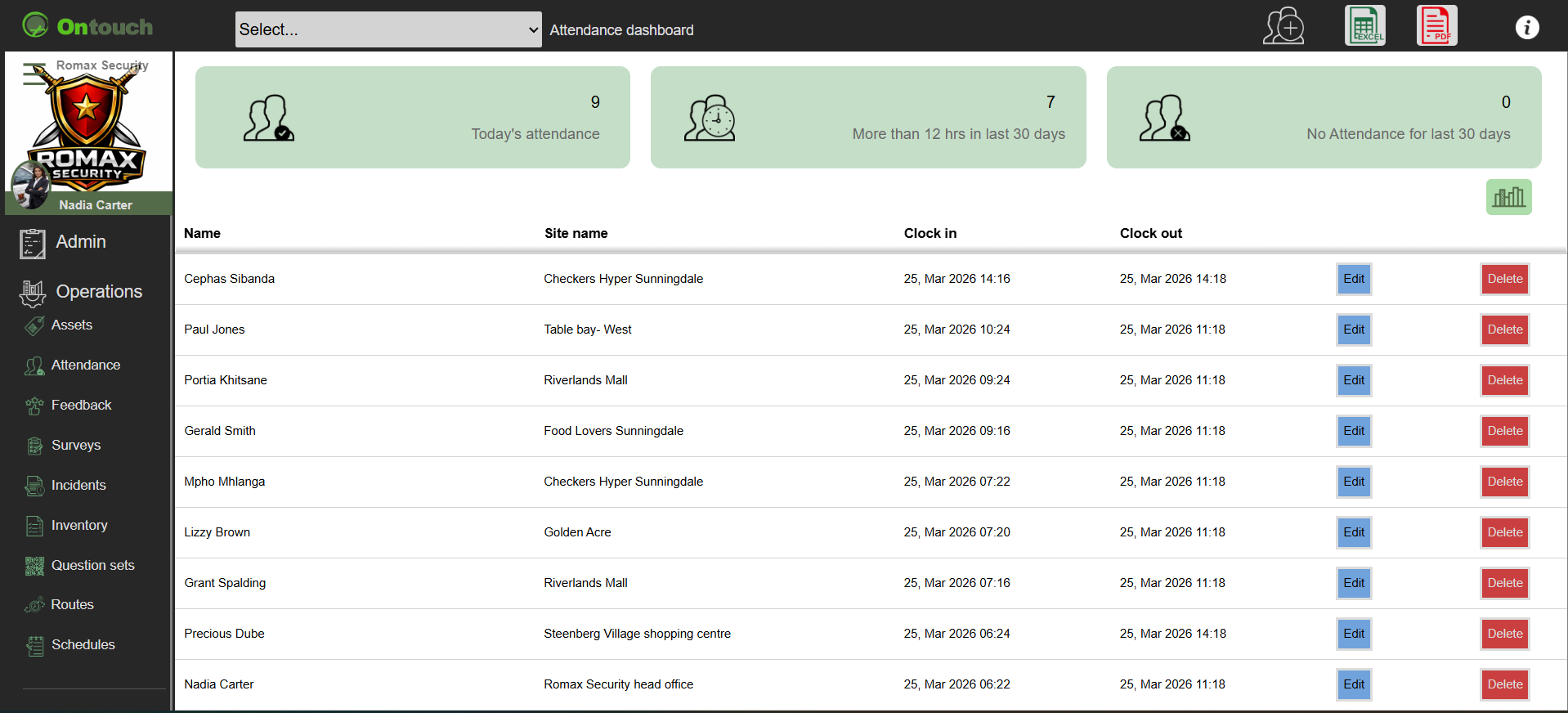
Attendance operations control
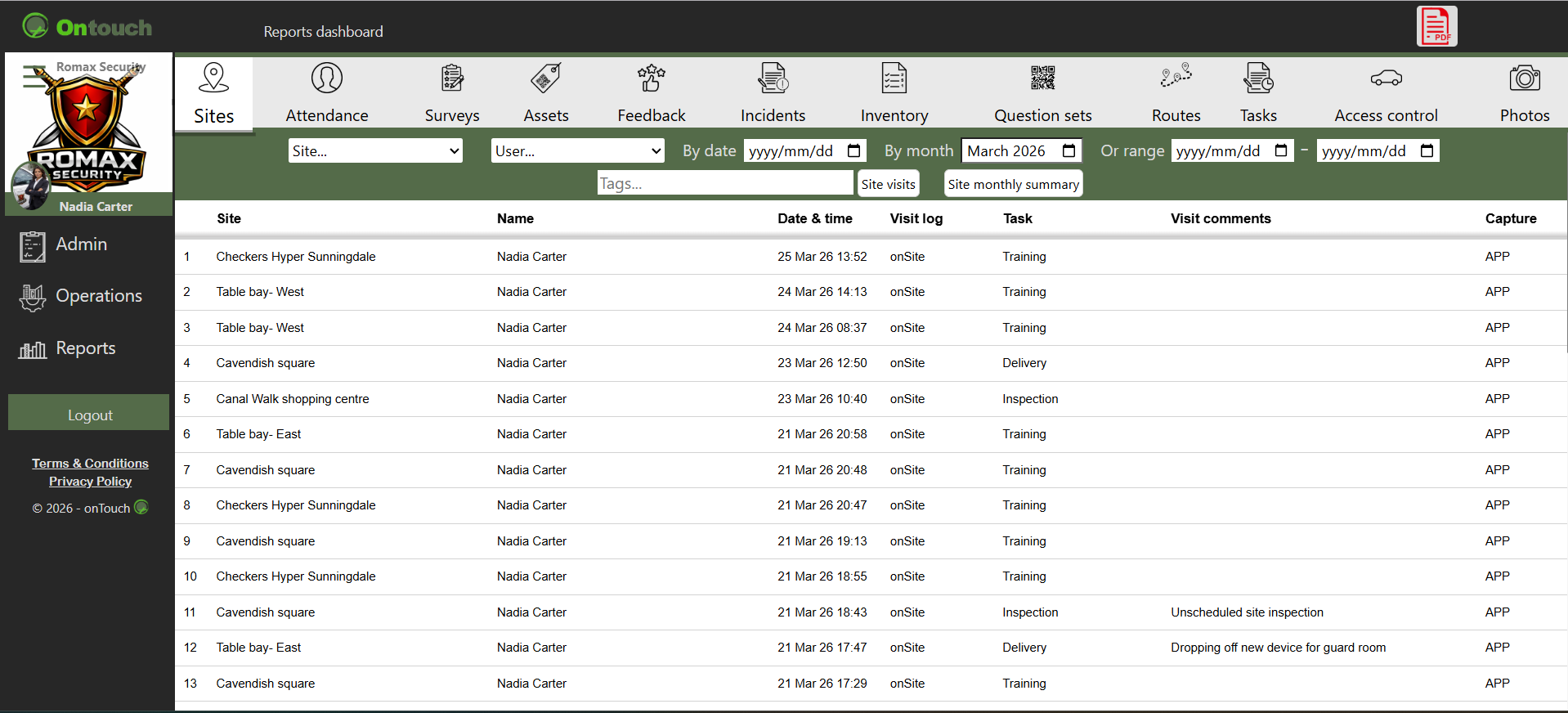
Reports of attendance
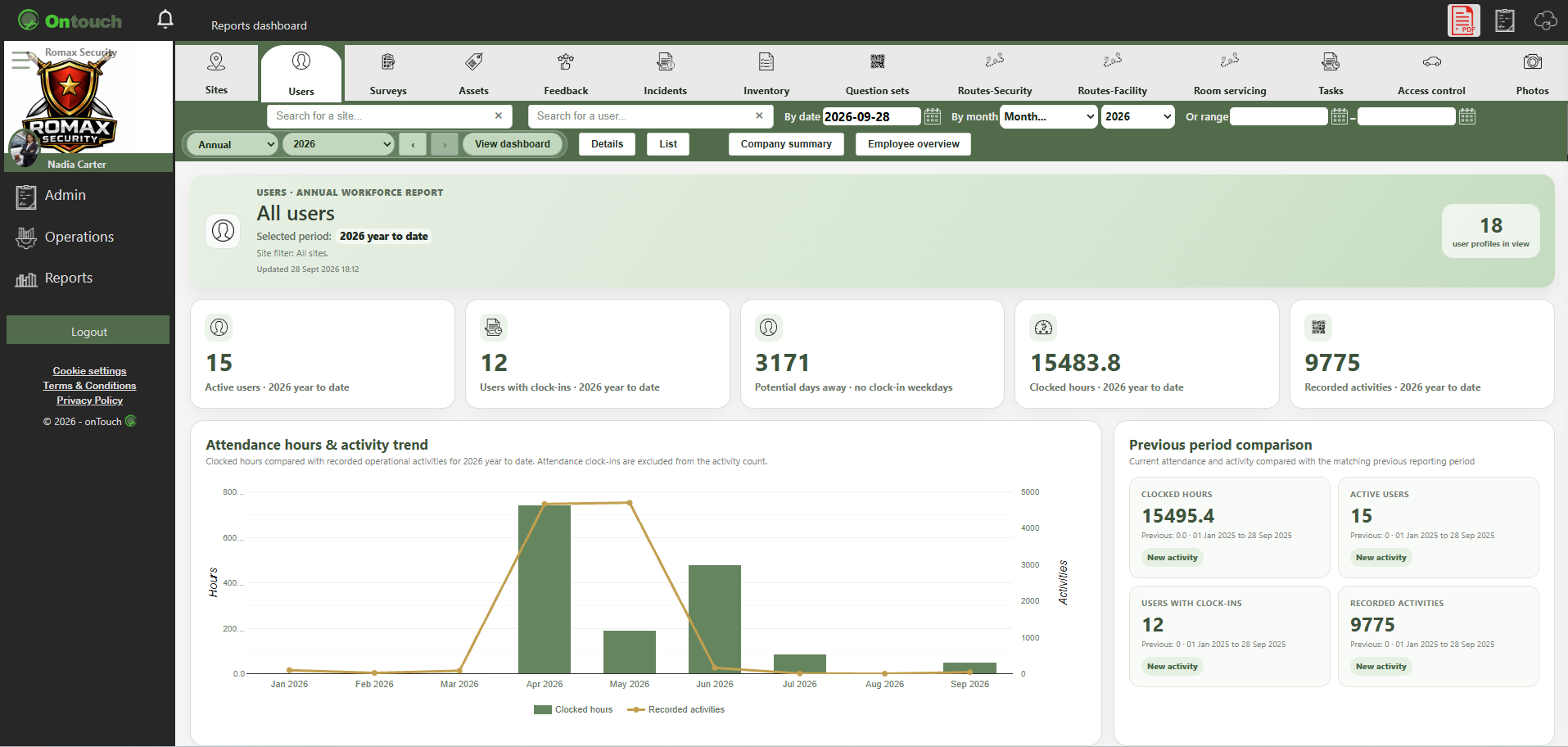
Reports
❮
❯
* Supervisor's module * QR code scan * multiple clock ins * Attendance status and working hours of assigned employees
Images are for demonstration purposes only.
©